
At a workshop I attended the speaker asked what we did for “hypo-active ” students (as opposed to hyperactive students). This refers to students that seem tired, uninterested, and bored. It takes more effort to keep them engaged.
One solution I am trying this year is Interactive Notebooks. Instead of most of the teaching being on the whiteboard, where my back is turned and students easily tune out, teaching is placed in some form in the notebook. I have been putting the teaching part on the left side and leaving the right side for practice in our math interactive notebooks. This has been great for numerous reasons:
* kids keep their hands busy adding colour, folding, filling in blanks, etc. (I usually cut stuff out ahead of time so that we don’t use up our time cutting)
* practice can be individualized. One student may practice three questions and another may do seven questions. The difficulty of the questions can vary.
* you can come back to the concept at any time and review
* student notebooks look neat, easy to refer to later (for my students a neat notebook with complete notes is something they feel really good about).
It is a real challenge for me to come up with ways to present information in the notebook but I feel it is affective. Here are some pics of our math interactive notebooks:
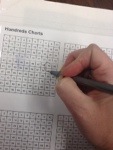
 Packing tape over our number charts so that we can circle patterns, etc
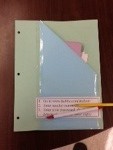
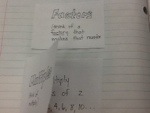 Foldables with definitions and examples inside.
 Charts. This one is a factor chart. Students investigated to find prime numbers.
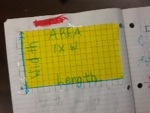 This lesson on area went on to include perfect squares and exponents.
 A student that loves colour and uses colour as a memory tool.
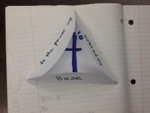
Defining a power, base, and exponent.
There are lots of great ideas on Pinterest. You can get many free templates for foldables here. In my classroom we also use an interactive notebook for literature.
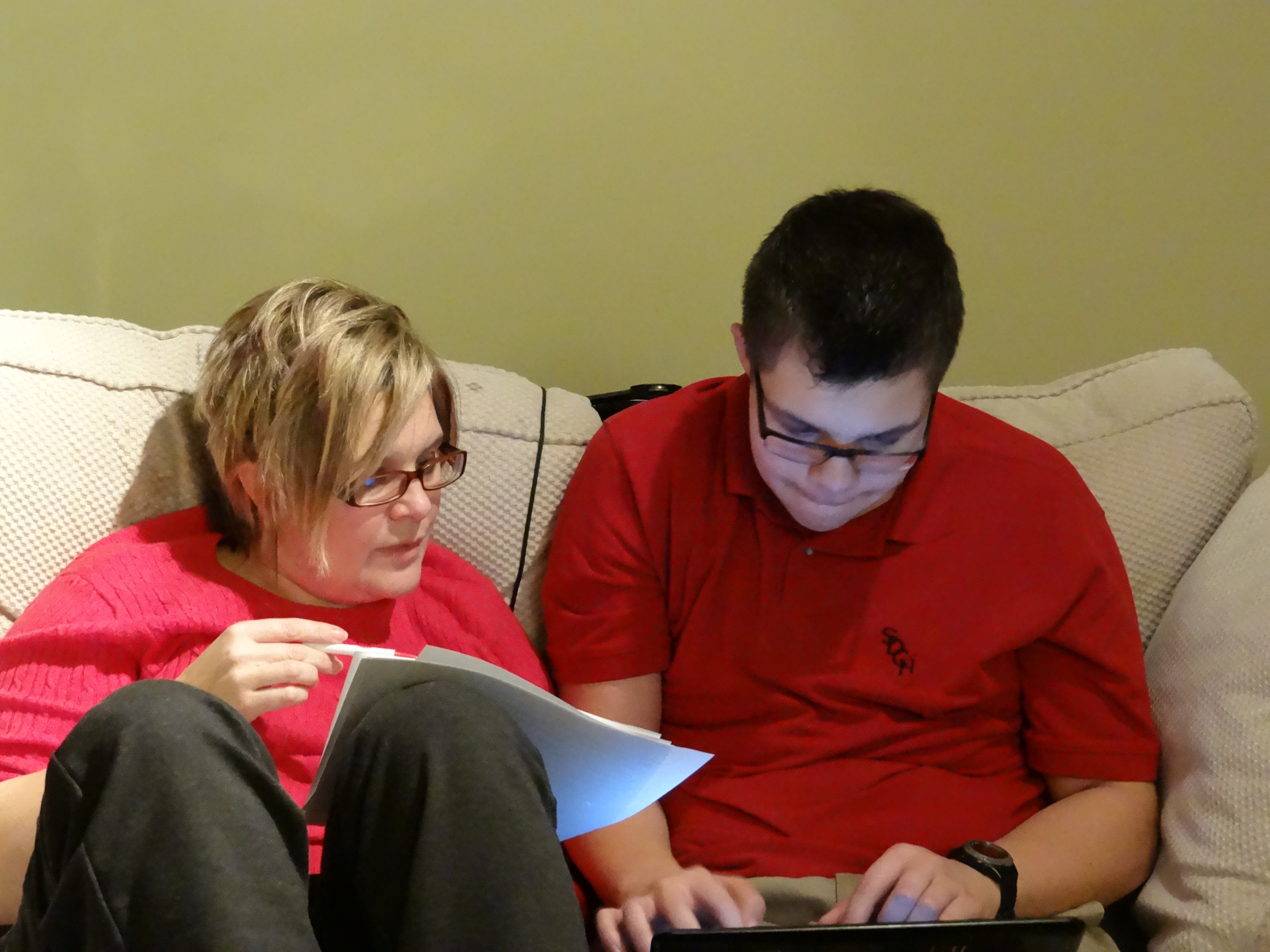
 A friend at lunch one day said,” I know an app that you will love.” Well, he was right! Shadow Puppet allows you to narrate photos and saves it all as a video. I have used it with a study group, taking pictures of the whiteboard with our notes, recording info, then emailing the video of this to each student making studying at home much easier and much more independent. I used it today to take a picture of an old heater vent in my classroom and record the rattles so that I could send the resulting video to our VP to get the needed repairs. I have snapped photos of a student’s review sheet, recorded myself reading it, then sent it to students to help them study for a test.










 The Resourceful Resource Teacher